+86 13868429846




01020304
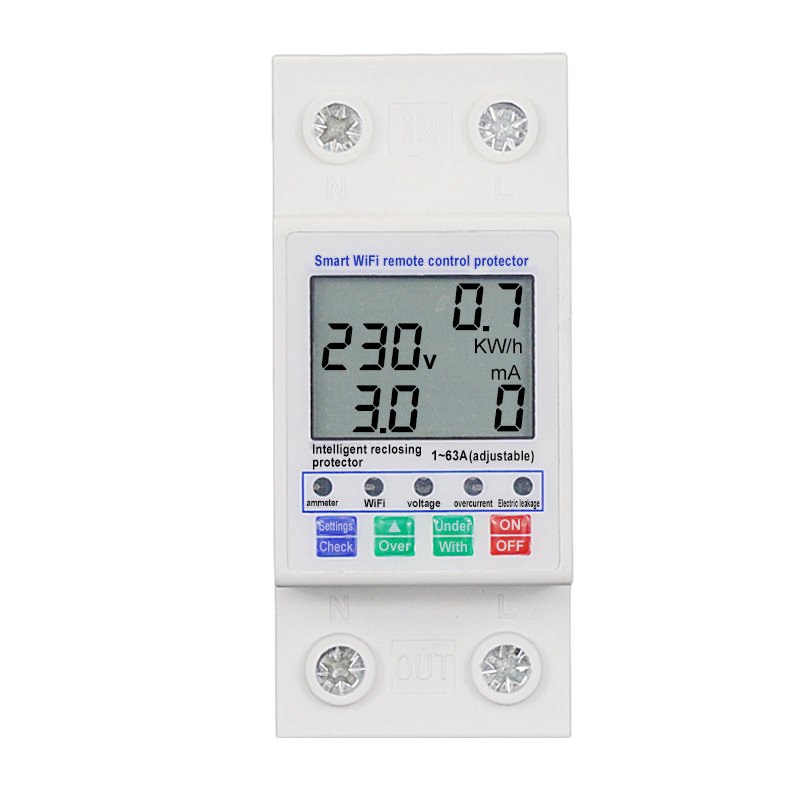
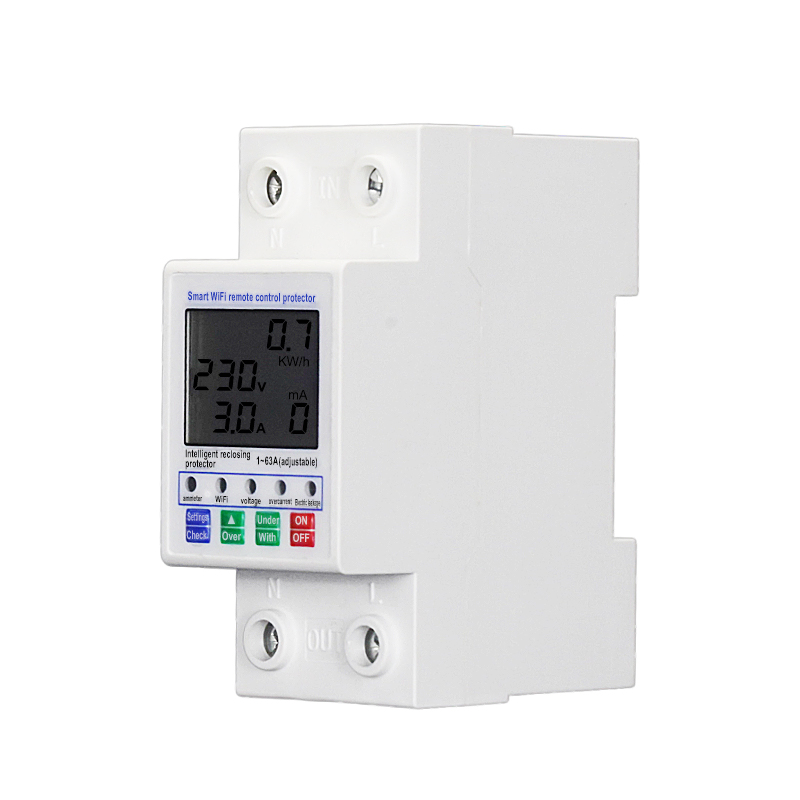
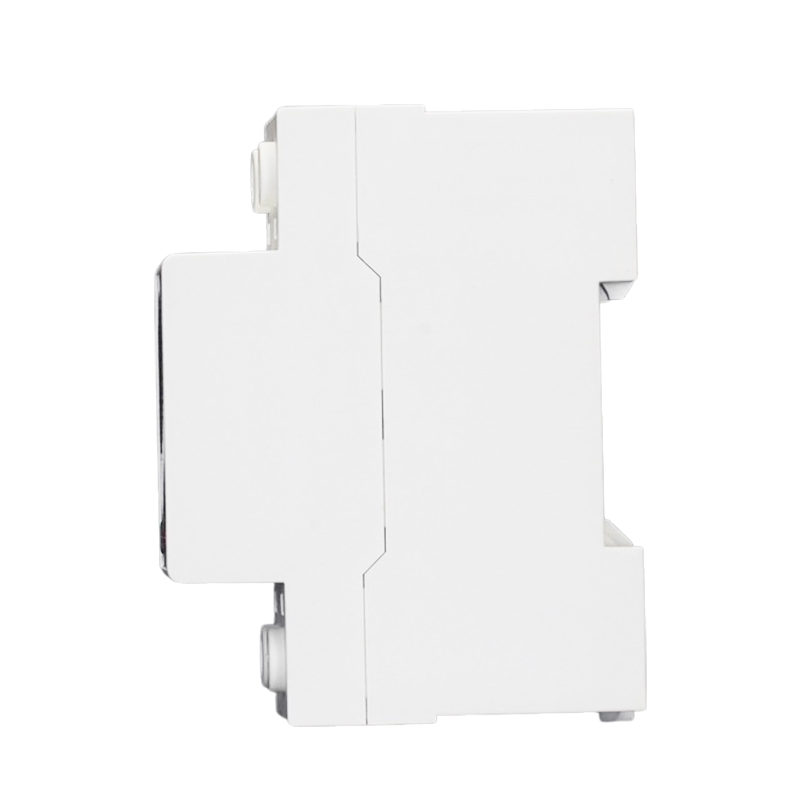
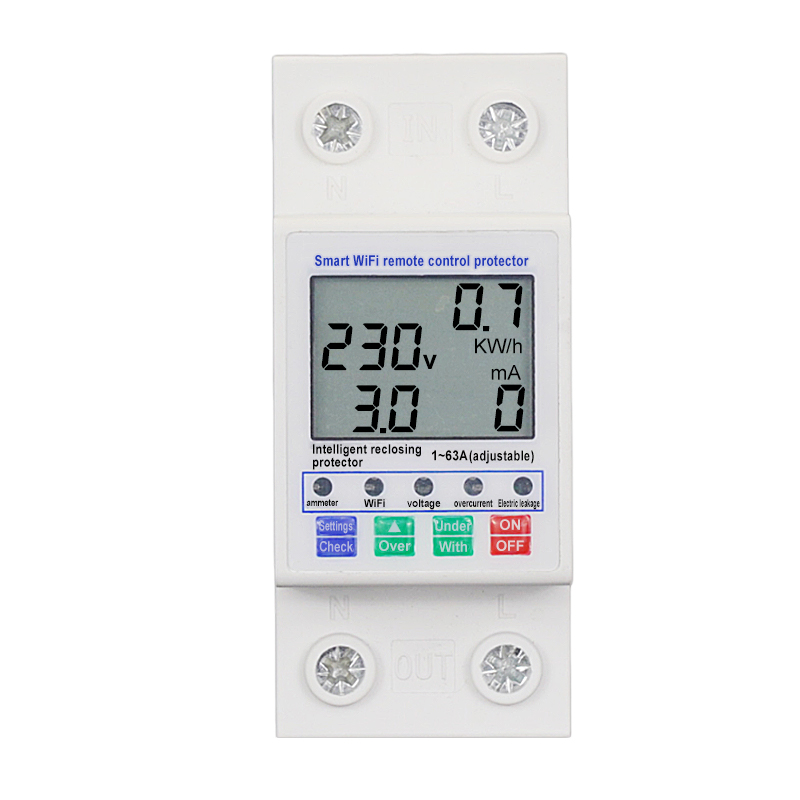
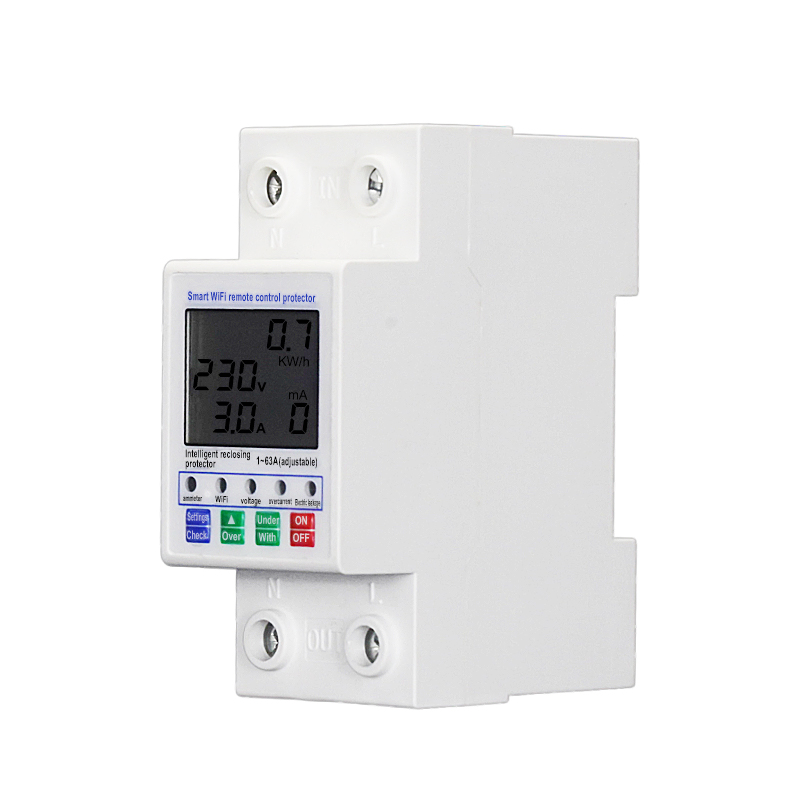
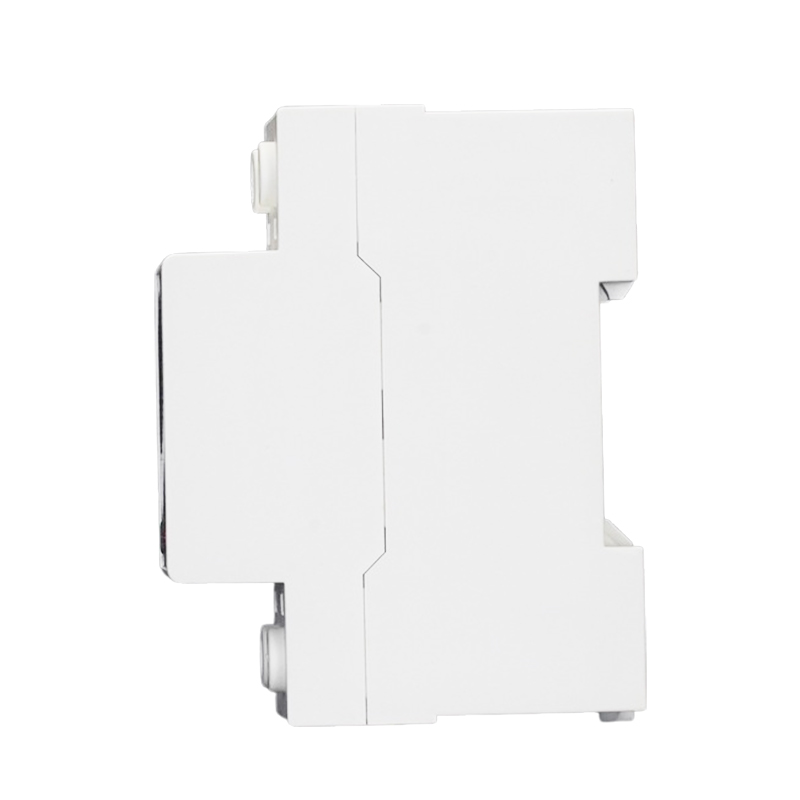
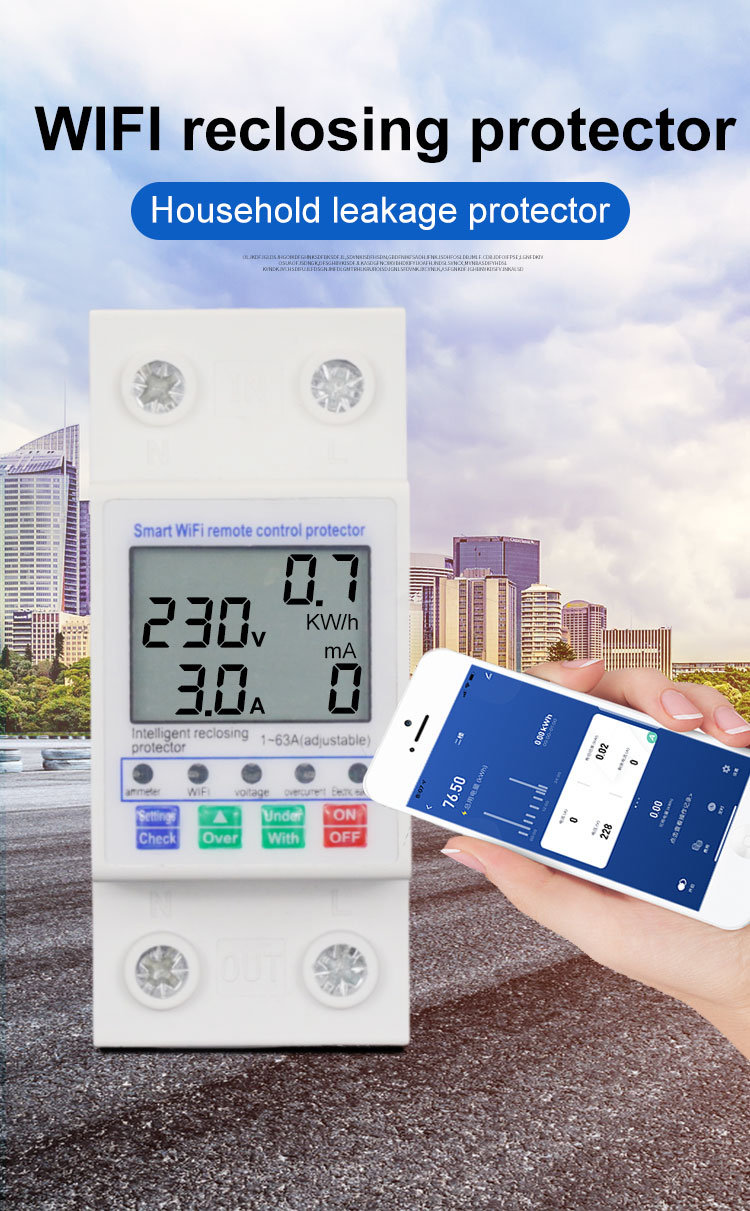
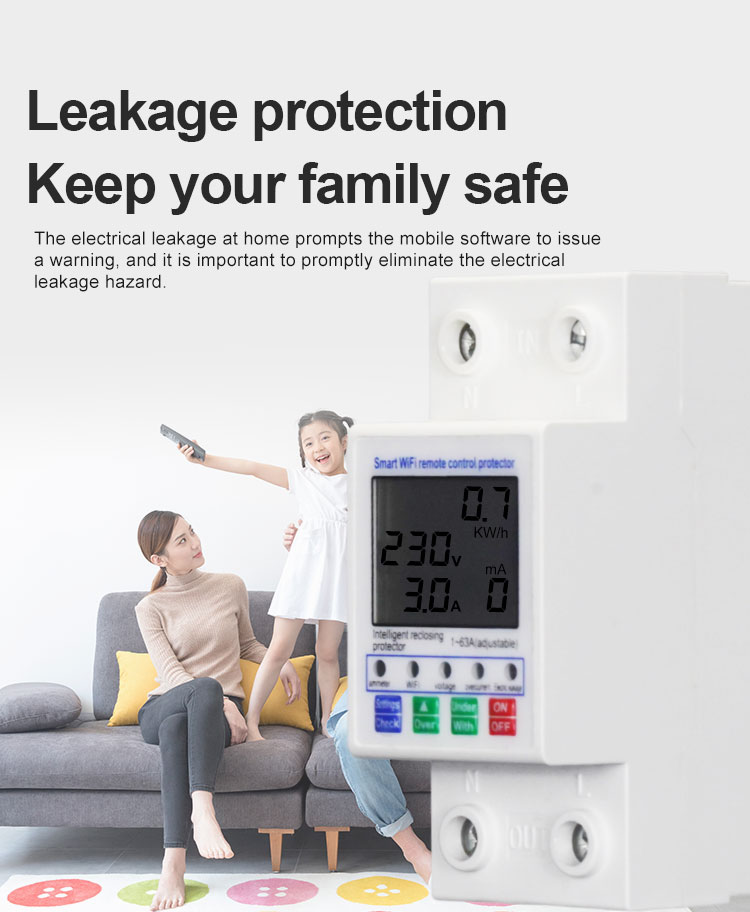
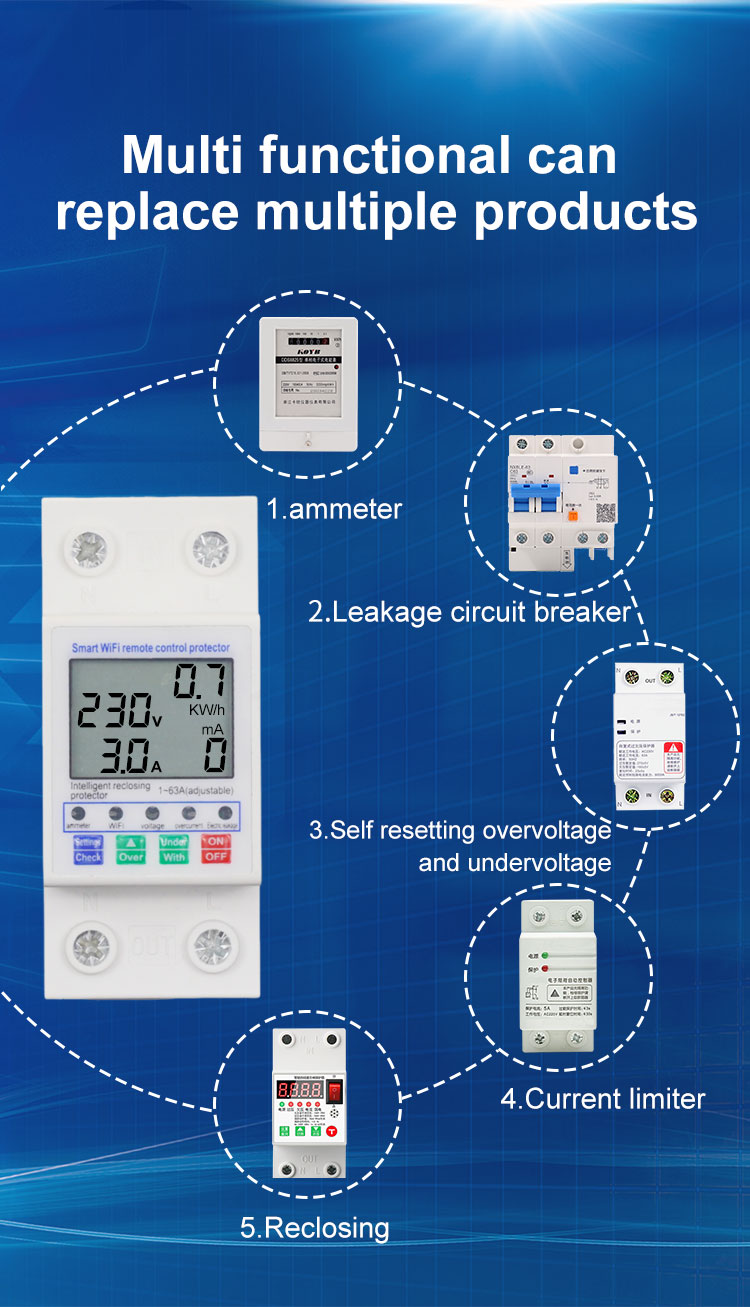
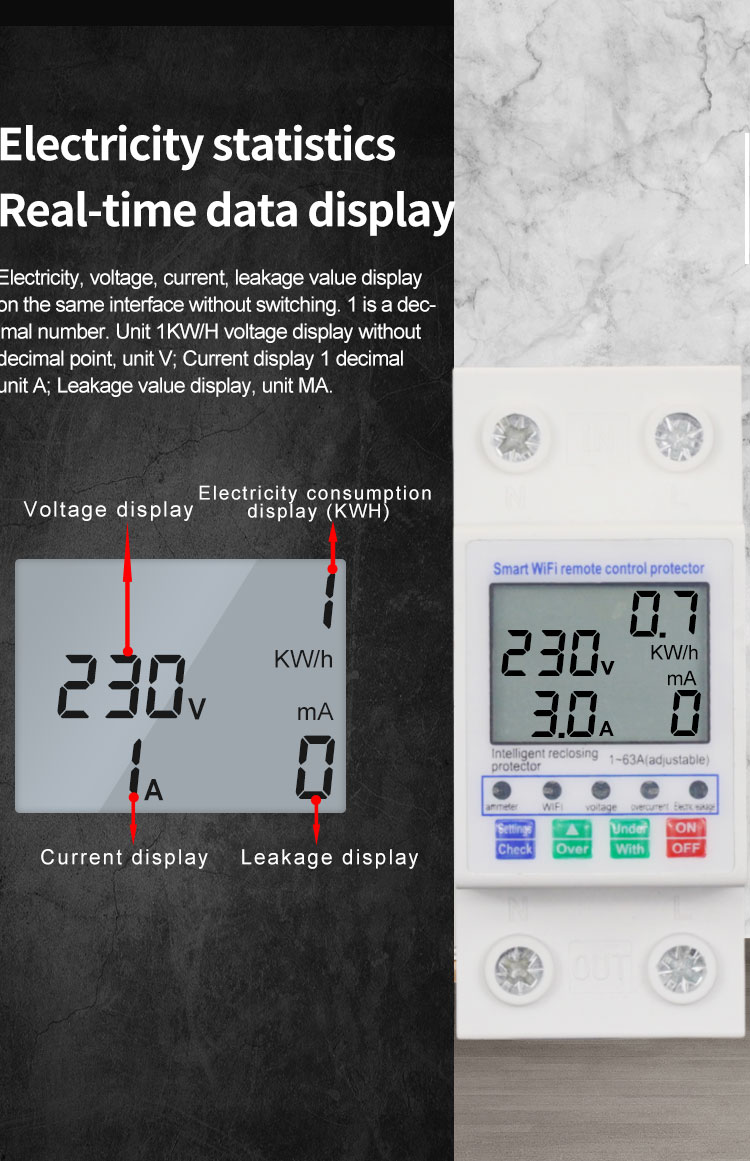
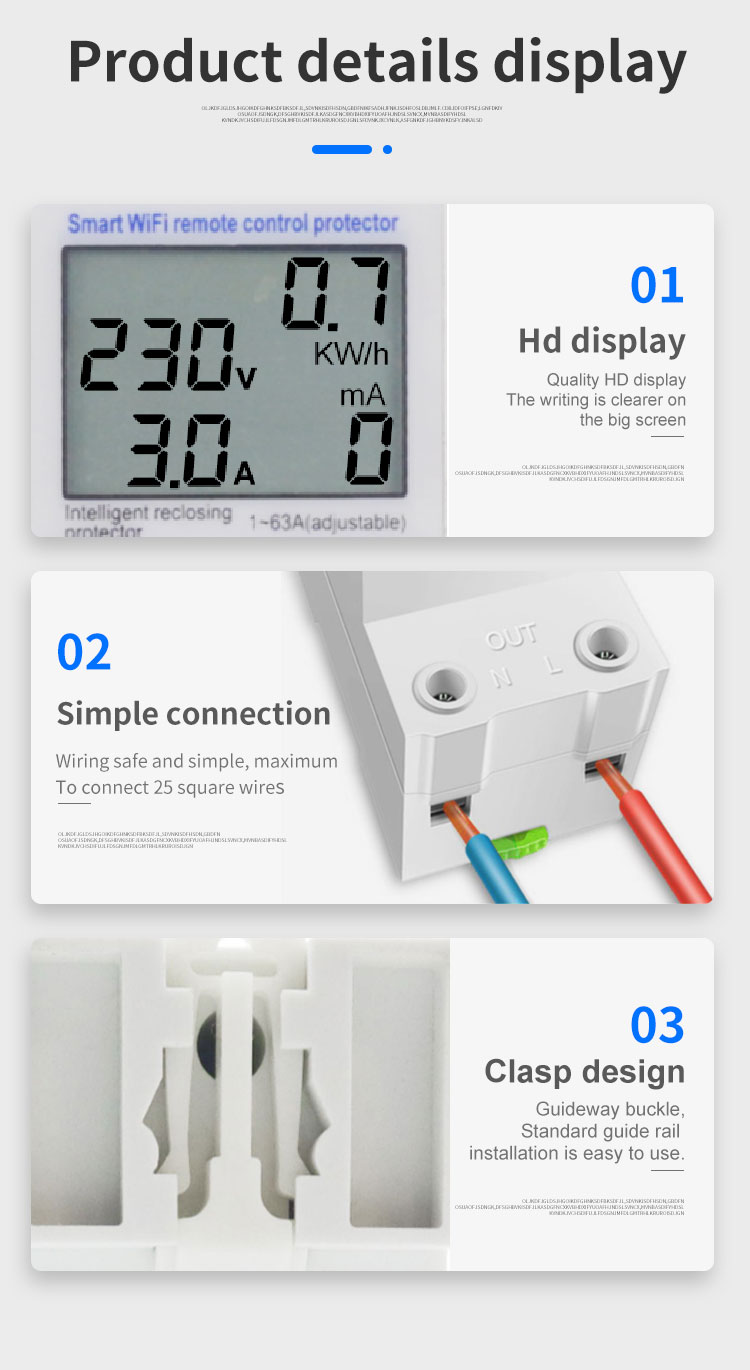
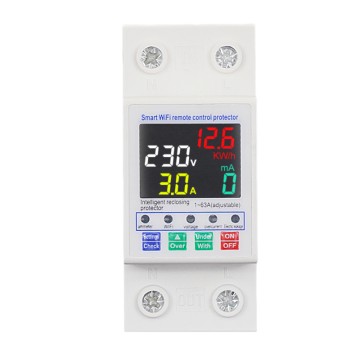
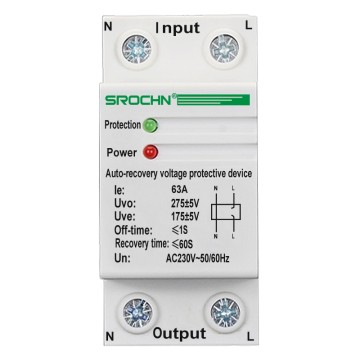
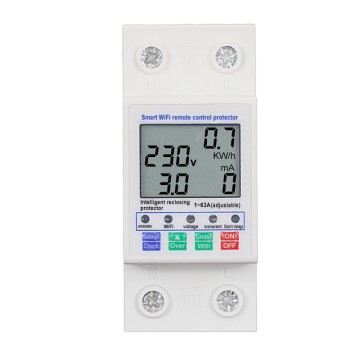
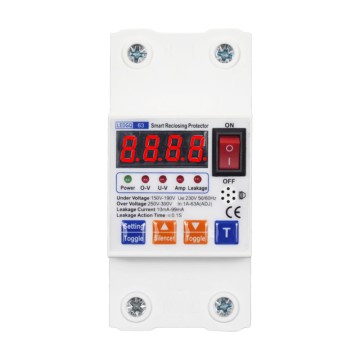
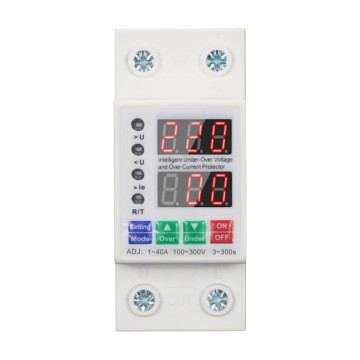
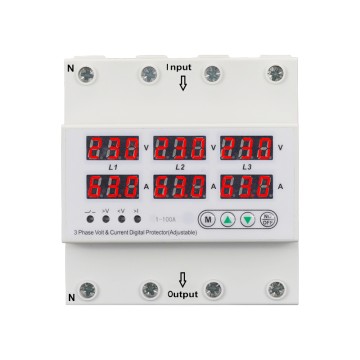
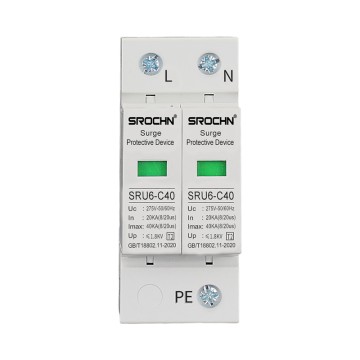
WiFi Intelligent Overvoltage and Undervoltage 2P63A Leakage Protection Switch
Product description
search "Tuya smart" at mobileapplication market to download and install App
Connect home Wi-Fi on your mobile phone andstart "Tuya smart" APP.
Follow the instruction in the APP to register/login App account and add new device
After finishing adding new device, you can useAPP to control your device conveniently . APP isbased on actual released version.
Start "Tuya smart" APP and log in.At the first page,select family at the topleft corner and then click "+" on the topright corner to enter the device additionsetting page.
Click "all device" and find out the "Energy" item to select.Turn the power on of the power meter and press t Key for 5 seconds till thenetwork indicator flashes rapidly, click "confirming the indicator is flash rapidly'
Input the password of connected Wi-Fi, Only supports 2.4G wireless network, 5GNireless network is not supported. Existence of Chinese Characters in Wi-Fi name anpassword in currently not supported, it may cause the APp fails to add new deviceClick "Confirm" and wait for connection.When finish connection and add devicuccessfully, you can set the installation room of the deviceSwitch button and central power button can control the power on/off of the device
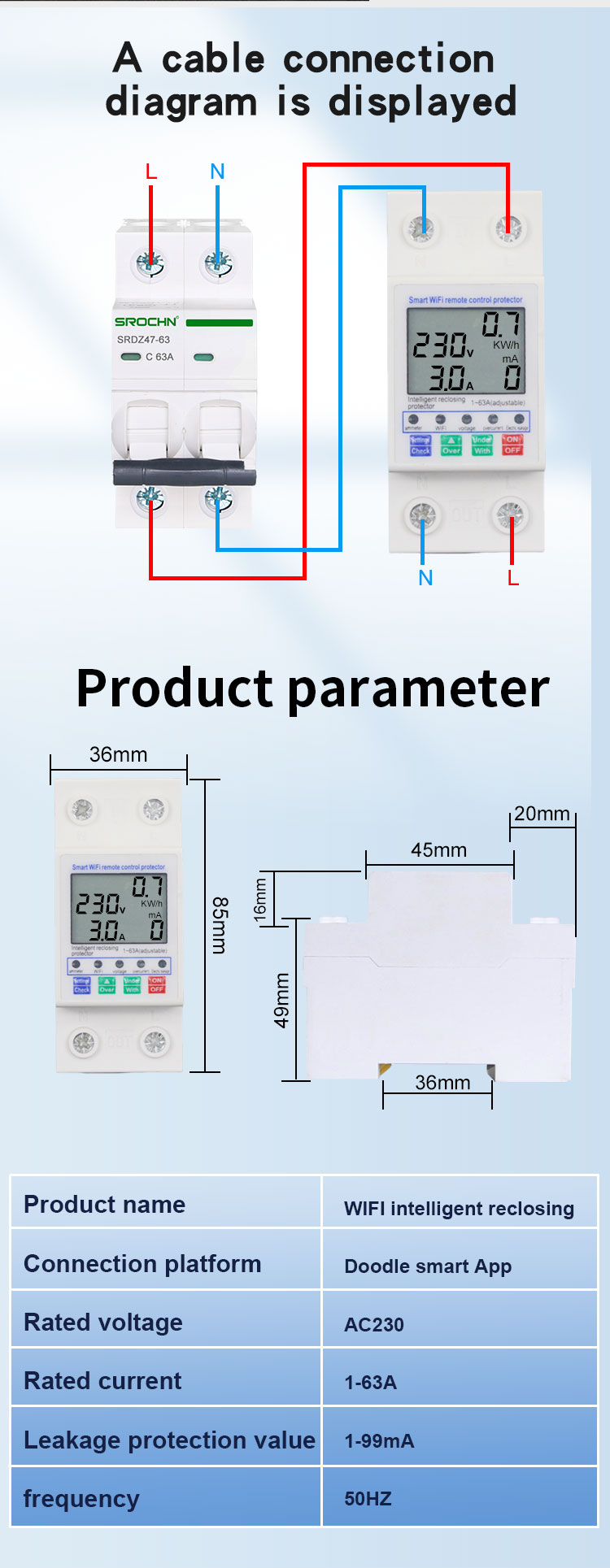
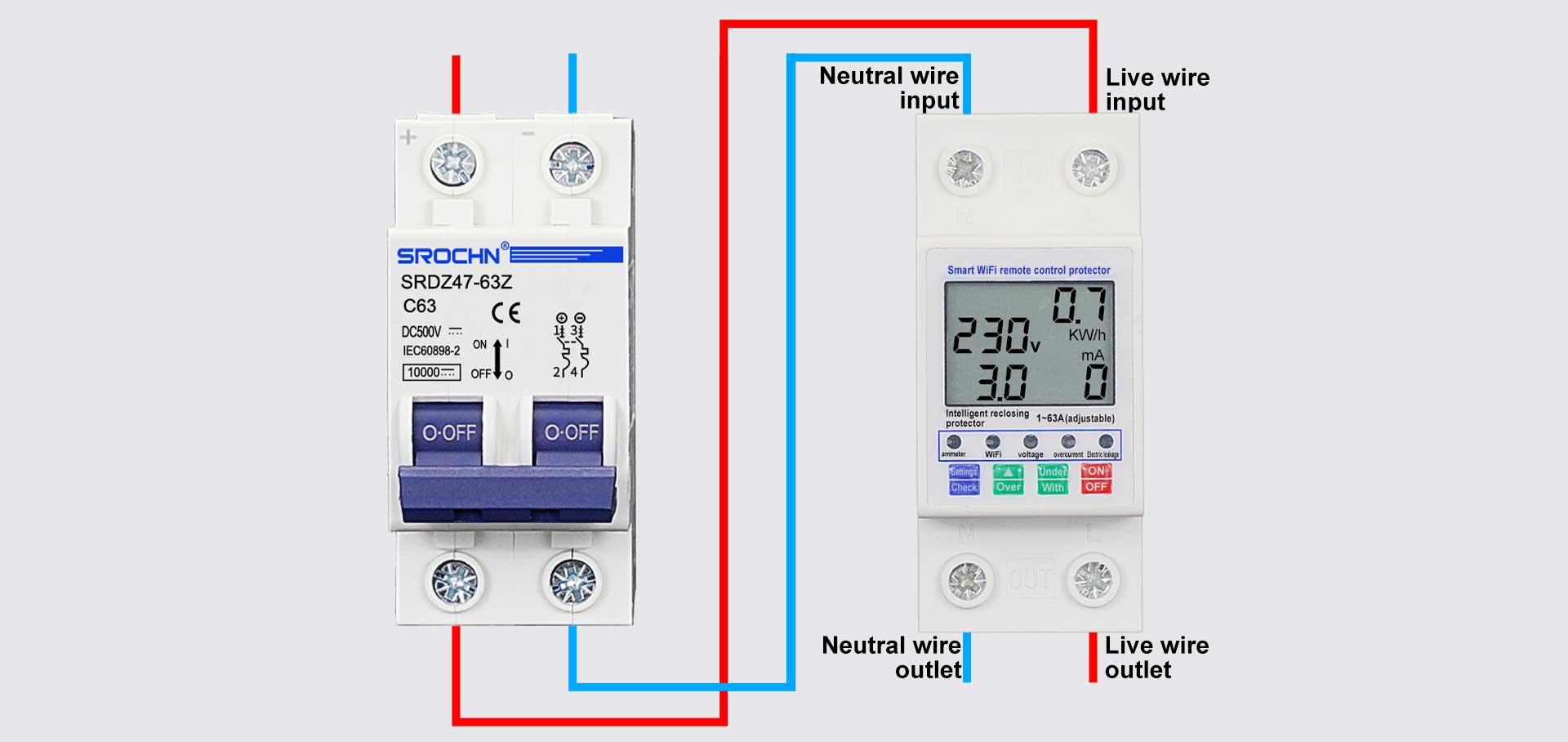
Wiring Method
Parameter Information
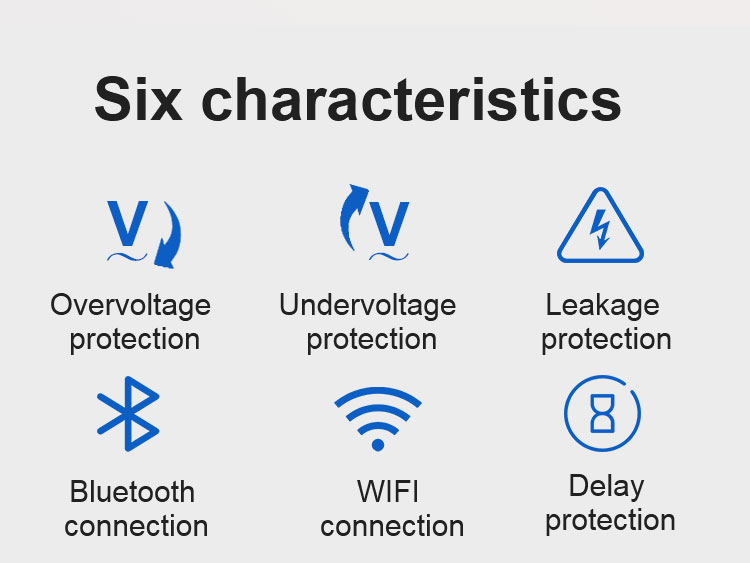
| Product name | Smart WiFi remote control protector | Overvoltage setting range | 250V~300V |
| Delay setting range | 5s-90s | Undervoltage setting range | 150V~190V |
| The rated voltage | AC220V | Leakage setting range | 10mA~100mA |
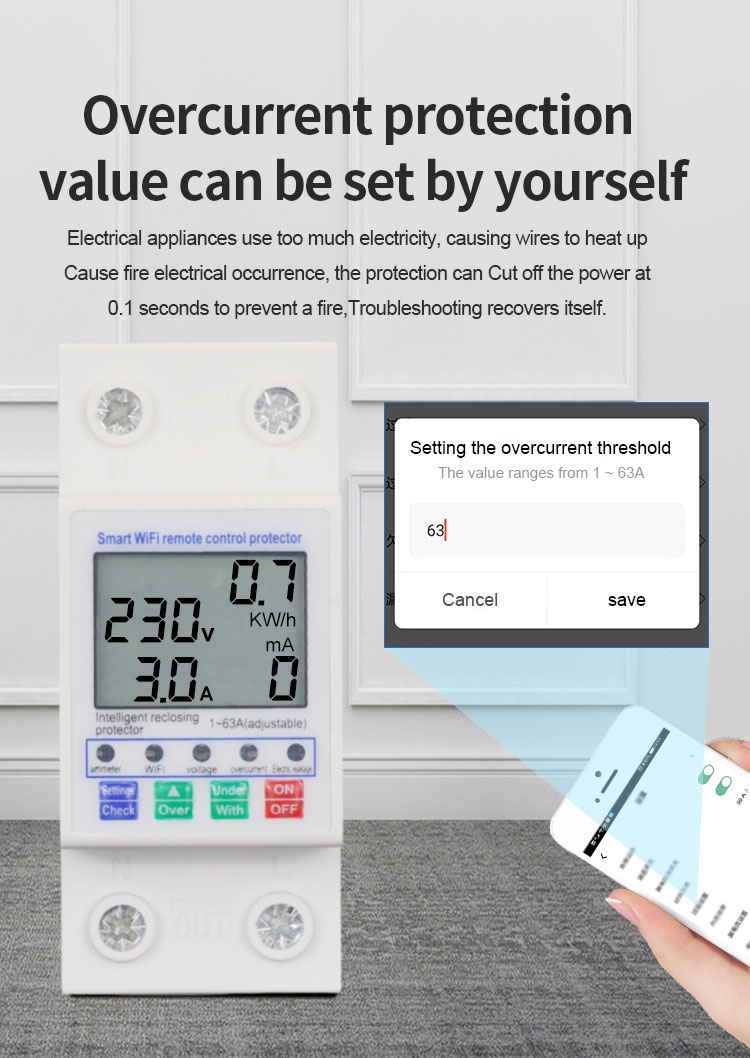
| The number of | 2P | Overcurrent setting range | 1A~63A |
| Rated frequency | 50/60Hz | Operating Temperature | -30°C~70°C |
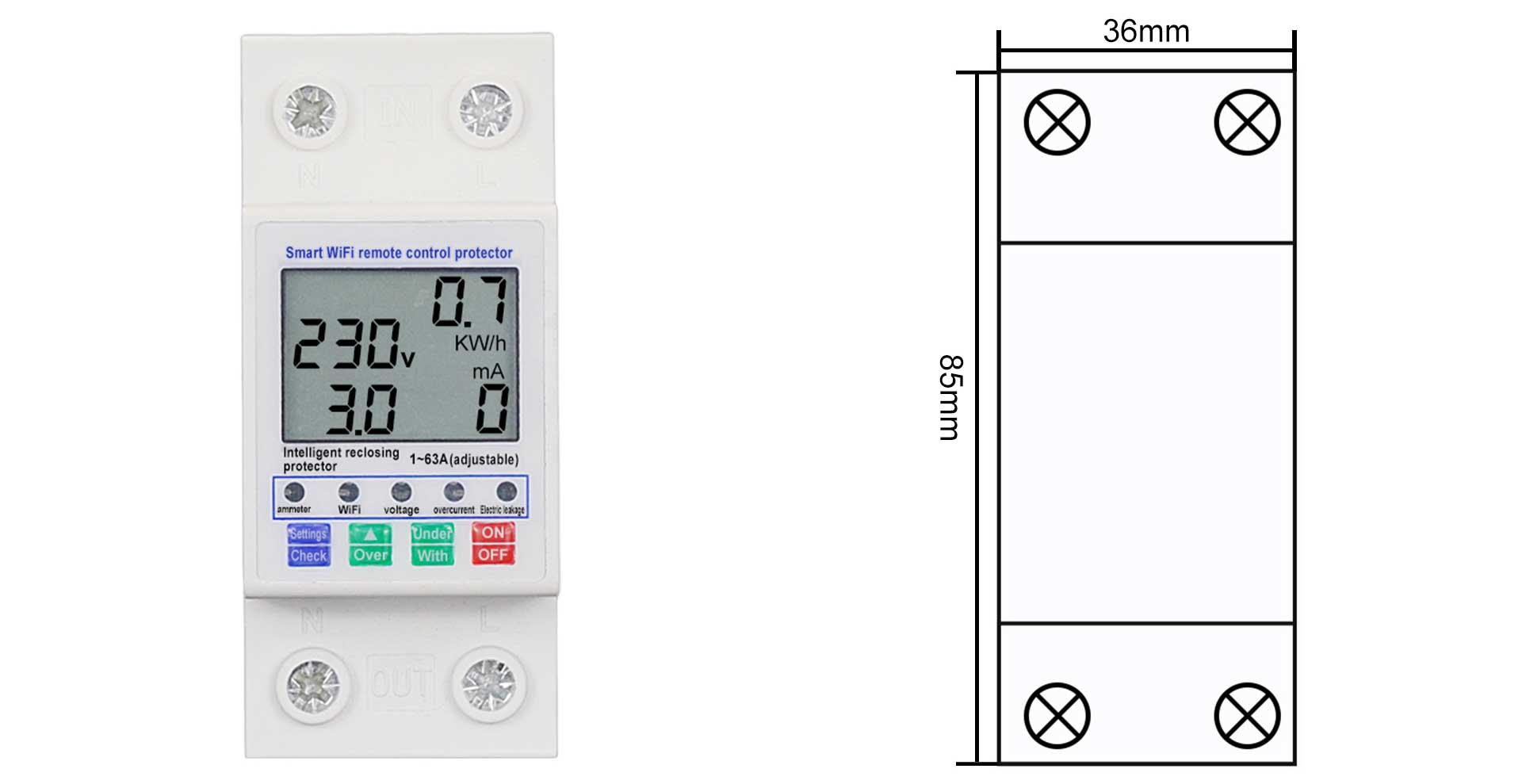
Product Size